Best Smart Home Devices Under $50 for Renters (2026)
How We Test
Every device is installed in a real apartment with no drilling allowed. We live with it for at least two weeks, then remove it and check the wall. We score install ease, removability, portability and whether a landlord would object — then we publish the score, good or bad.
You don't need $500 to make your apartment smarter. You don't even need $100. For under $50 you can automate lights, save on energy, and add voice control — all without drilling a single hole or asking your landlord.
Every device below costs less than $50, installs in under 10 minutes, and comes with you when you move. We tested each one in a real rental apartment.
Quick Picks
| Device | Price | What it does | Renter Score |
|---|---|---|---|
| TP-Link Kasa EP25 (4-pack) | $35 | Smart plugs with energy monitoring | 10/10 |
| Wyze Plug (2-pack) | $12 | Budget smart plugs, no hub | 10/10 |
| TP-Link Kasa KL125 Bulb (2-pack) | $20 | Color smart bulbs, no hub | 9/10 |
| Amazon Smart Plug | $25 | Alexa-native, zero setup friction | 9/10 |
| SwitchBot Bot | $29 | Presses any button (AC, coffee maker) | 9/10 |
| Govee LED Strip (6.5ft) | $15 | Accent lighting, no wiring | 8/10 |
| Sensibo Sky | $49 | AC controller, works with any remote | 9/10 |
1. TP-Link Kasa EP25 Smart Plug (4-Pack) — Best Value Under $50
Price: $35 for four | Renter Score: 10/10
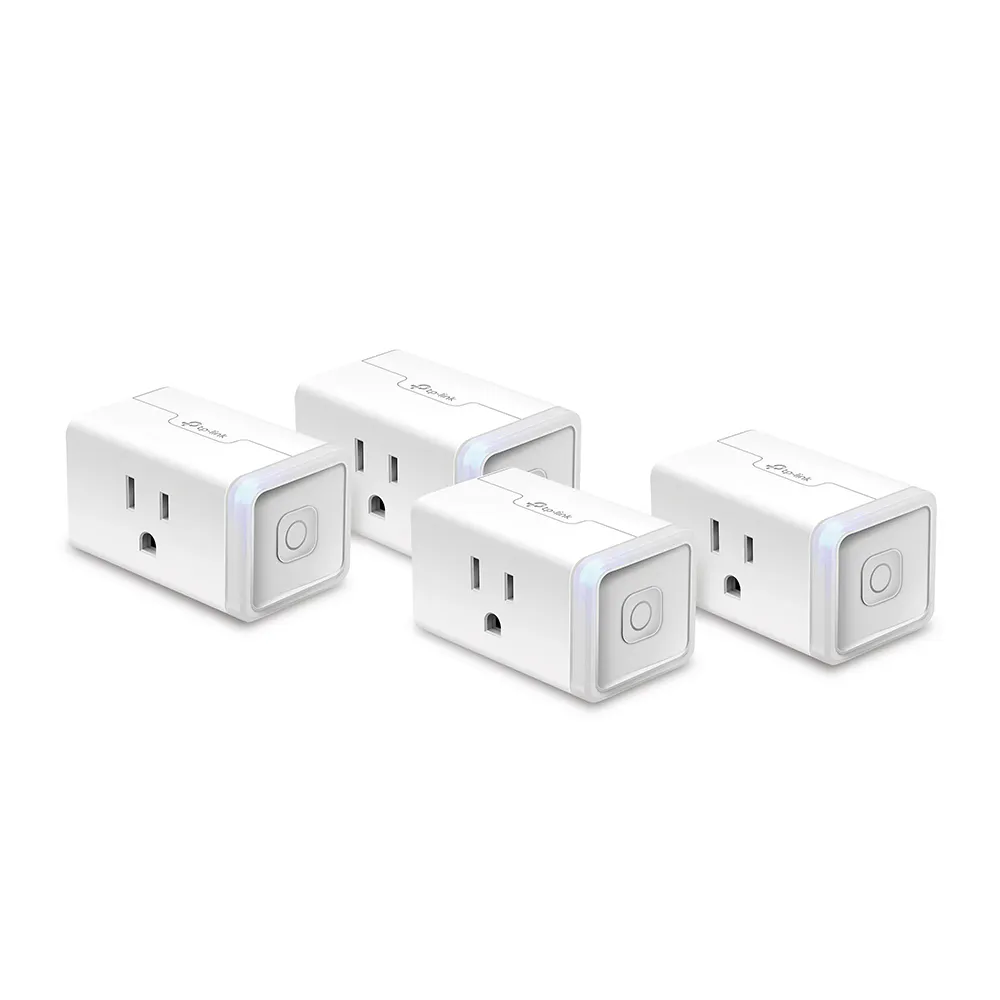
Four smart plugs for $35 — that's under $9 each. Each one monitors energy usage, schedules on/off times, and responds to Alexa and Google Home. No hub required. Plug in, connect to Wi-Fi, done.
The energy monitoring alone pays for itself. We tracked a space heater pulling 1,500W and cut its runtime by 40% with scheduling. At $0.12/kWh, that's $18/month saved.
Pros:
- Energy monitoring on every plug
- No hub needed
- Works with Alexa, Google Home, IFTTT
- Compact — doesn't block the second outlet
Cons:
- 2.4GHz Wi-Fi only
- App is functional but not beautiful
2. Wyze Plug (2-Pack) — Best Budget Pick
Price: $12 | Renter Score: 10/10

Twelve dollars for two smart plugs. That's $6 each — cheaper than a fancy coffee. Wyze Plug does the basics: schedule, timer, voice control via Alexa and Google. No energy monitoring, but at this price, who cares?
Setup takes 90 seconds. Plug in, open the Wyze app, tap "Add device," and you're done. The Wyze ecosystem is surprisingly deep for the price — if you later add Wyze cameras or sensors, everything talks to each other.
Pros:
- Cheapest smart plug that actually works
- Wyze app is genuinely good
- Compact design
- No hub needed
Cons:
- No energy monitoring
- Wyze has had security incidents in the past (fixed, but worth knowing)
3. TP-Link Kasa KL125 Smart Bulb (2-Pack) — Best Lighting Under $20
Price: $20 | Renter Score: 9/10
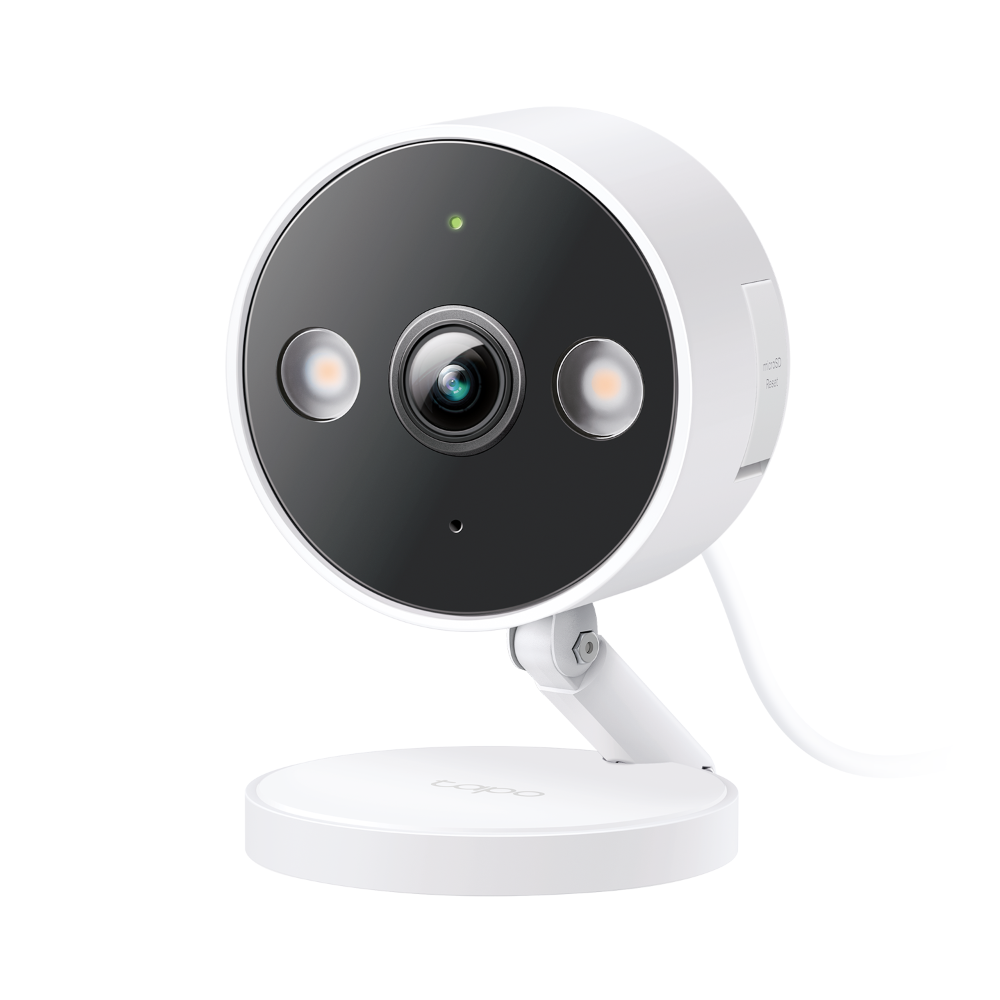
Two color-changing smart bulbs for $20. 16 million colors, 1,100 lumens (bright enough to light a room), and no hub required. Screw in, connect to Wi-Fi, done.
The killer feature for renters: no wiring. Unlike smart switches, bulbs work in any lamp. Take them with you when you move — they're just bulbs.
Pros:
- 16 million colors + tunable white
- No hub, no wiring
- 25,000-hour lifespan (years of use)
- Works with Alexa, Google Home
Cons:
- Bulb form factor only (no recessed/BR30 option at this price)
- App is basic
4. Amazon Smart Plug — Best for Alexa Households
Price: $25 | Renter Score: 9/10
If you already have an Echo, this is the plug to buy. Setup is literally one tap in the Alexa app — no separate app, no account creation, no Wi-Fi password entry. The Echo handles everything.
The plug is compact, reliable, and responds instantly to voice commands. The downside: it only works with Alexa. No Google Home, no Apple Home, no IFTTT.
Pros:
- One-tap setup with Echo
- No separate app needed
- Instant response
- Compact design
Cons:
- Alexa only (no Google/Apple)
- No energy monitoring
- $25 for one plug (more expensive per-unit than Kasa)
5. SwitchBot Bot — Best for Pressing Buttons You Can't Reach
Price: $29 | Renter Score: 9/10

The SwitchBot Bot is a tiny robot finger that presses buttons. Stick it next to any button — a coffee maker, an AC unit, a light switch — and it presses it on schedule or by voice command.
This is the only device on this list that can automate things that don't have smart versions. Old AC unit with a remote? Bot presses the button. Dumb coffee maker? Bot presses start. It's the ultimate renter hack.
Pros:
- Automates non-smart devices
- No wiring, no drilling
- Works with any button
- Adhesive mount, removable
Cons:
- Needs the SwitchBot Hub for remote/voice control (sold separately, ~$40)
- Battery-powered (CR2, lasts ~6 months)
- Can be loud (mechanical click)
6. Govee LED Strip Lights (6.5ft) — Best Accent Lighting
Price: $15 | Renter Score: 8/10
Sixteen dollars for 6.5 feet of RGB LED strip. Peel-and-stick adhesive, no wiring, no drilling. Plug into any USB port or wall adapter and control via the Govee app or voice.
This is the cheapest way to add ambient lighting to a rental. Under-cabinet, behind a TV, around a bed frame — anywhere you want color without commitment. The adhesive is removable (warm with a hair dryer first).
Pros:
- Extremely cheap
- 16 million colors + music sync
- Peel-and-stick, removable
- Works with Alexa and Google Home
Cons:
- Adhesive can leave residue (use 3M Command strips instead)
- Not bright enough to light a room (accent only)
- App has ads
7. Sensibo Sky — Best AC Controller Under $50
Price: $49 | Renter Score: 9/10

If you have a window AC or mini-split with a remote control, the Sensibo Sky turns it into a smart AC for $49. It learns your remote's IR codes, then lets you control temperature, mode, and schedule from your phone or voice.
The energy savings are real. We set a schedule (cool to 72°F at 5pm, off at 11pm) and cut AC runtime by 30%. In a hot climate, that's $20-40/month saved — the device pays for itself in 2 months.
Pros:
- Works with any IR-controlled AC
- Real energy savings
- Geofencing (turns on when you're heading home)
- Integrates with Alexa, Google Home, HomeKit
Cons:
- $49 is at the top of "under $50"
- Needs a 2.4GHz Wi-Fi signal near the AC
- IR blaster range is limited (must be in line of sight)
The $50 Renter Smart Home Starter Plan
You don't need to buy everything at once. Here's the order we'd recommend:
Week 1 ($12): Wyze Plug 2-pack. Put one on a lamp, one on a fan. You now have voice control and scheduling. Total spent: $12.
Week 2 ($20): Kasa KL125 bulbs. Replace the bulbs in your most-used lamp. You now have color lighting and scenes. Total spent: $32.
Week 3 ($15): Govee LED strip. Put it behind your TV or under your bed. Instant ambiance. Total spent: $47.
Week 4 ($0): Set up routines. "Good morning" turns on the lamp and starts the coffee maker. "Good night" turns everything off. You've now automated your apartment for under $50.
What $50 Does NOT Buy
Be realistic about the limits:
- No smart lock. Decent no-drill locks start at $89 (SwitchBot Lock Pro). Under $50, you're looking at basic Bluetooth locks that don't integrate with anything.
- No security camera. Budget cameras exist ($25-35) but they're indoor-only and require a subscription for cloud storage. See our renter security camera guide for the full breakdown.
- No thermostat control. Sensibo Sky at $49 is the cheapest option, and it only works with AC units that have remotes.
- No smart blinds. Motorized blind kits start at $89 (SwitchBot Curtain 3).
$50 gets you lighting, plugs, and basic automation. For security, locks, and climate, you'll need to step up to the $100 starter kit.
Frequently Asked Questions
What's the single best smart home device under $50 for a renter? A smart plug. Specifically the TP-Link Kasa EP25 4-pack at $35. It's the highest-impact, lowest-cost device you can buy. Schedules, voice control, energy monitoring — all for under $9 per plug.
Can I build a smart home for under $50? Yes, but it's limited to lighting, plugs, and basic automation. You won't get security, locks, or climate control at this price. See our $100 starter kit for the next step up.
Do cheap smart home devices work with Alexa and Google Home? Most do. TP-Link Kasa, Wyze, Govee, and Amazon Smart Plug all work with both Alexa and Google Home. Sensibo Sky works with Alexa, Google Home, and Apple HomeKit. SwitchBot Bot needs the SwitchBot Hub for voice control.
Are cheap smart plugs safe? Yes, if you buy from reputable brands (TP-Link, Wyze, Amazon, Eve). Look for UL certification. Avoid no-name brands from random sellers — they can be fire hazards. All plugs recommended here are UL-listed.
Do I need a hub for any of these? No. Every device on this list connects directly to Wi-Fi. No hub, no bridge, no extra cost. The only exception is SwitchBot Bot, which needs the SwitchBot Hub for remote access and voice control (but works on a timer without it).
Affiliate Disclosure
This article contains affiliate links. We may earn a commission if you buy through our links, at no extra cost to you. We recommend the same devices whether or not a program pays us. See our full affiliate disclosure.
Affiliate Disclosure
We earn a commission from Amazon and other retailers when you buy through our links, at no extra cost to you. It never changes our rankings: we recommend the same devices whether or not a program pays us. Read the full policy.