Best Smart Home Devices for Renters 2026: No-Drill, Lease-Safe Picks
How We Test
Every device is installed in a real apartment with no drilling allowed. We live with it for at least two weeks, then remove it and check the wall. We score install ease, removability, portability and whether a landlord would object — then we publish the score, good or bad.
Renting shouldn't stop you from having a smart home. In 2026, the best smart home devices for renters require zero drilling, zero wiring, and zero landlord permission. They stick on, clip on, or plug in — and they come with you when you move.
We tested 40+ devices across 8 categories and scored each on our Renter Readiness Score (install ease, removability, no-drill, portability, and lease compliance).
Quick Picks
| Category | Top Pick | Price | Renter Score |
|---|---|---|---|
| Smart Lock | SwitchBot Lock Pro | $129 | 10/10 |
| Video Doorbell | Ring Battery Doorbell | $99 | 9/10 |
| Indoor Camera | Eufy Indoor Cam C120 | $35 | 10/10 |
| Smart Lighting | Philips Hue Starter Kit | $130 | 9/10 |
| Smart Plugs | TP-Link Kasa KP125M | $15 | 10/10 |
| Motorized Blinds | SwitchBot Curtain 3 | $89 | 9/10 |
| Security System | SimpliSafe Essentials | $249 | 8/10 |
| Smart Thermostat | Nest Thermostat (2020) | $130 | 6/10* |
*Nest thermostat requires C-wire or adapter. Check your HVAC before buying.
1. Smart Locks (No-Drill)
SwitchBot Lock Pro — Best Overall

Price: $129 | Renter Score: 10/10
The SwitchBot Lock Pro attaches to your existing deadbolt from the inside using adhesive. No drilling, no replacing your lock, no landlord permission needed. It works with most standard deadbolts and installs in 5 minutes.
Pros:
- Installs in 5 minutes, zero tools
- Works with your existing lock
- Removable with zero trace
- Supports Apple Home, Google Home, Alexa
- Auto-lock and auto-unlock
Cons:
- Requires SwitchBot Hub for remote access ($39 extra)
- Battery lasts 6-9 months
Affiliate: Check price on Amazon | Check price on Amazon
Wyze Lock — Best Budget
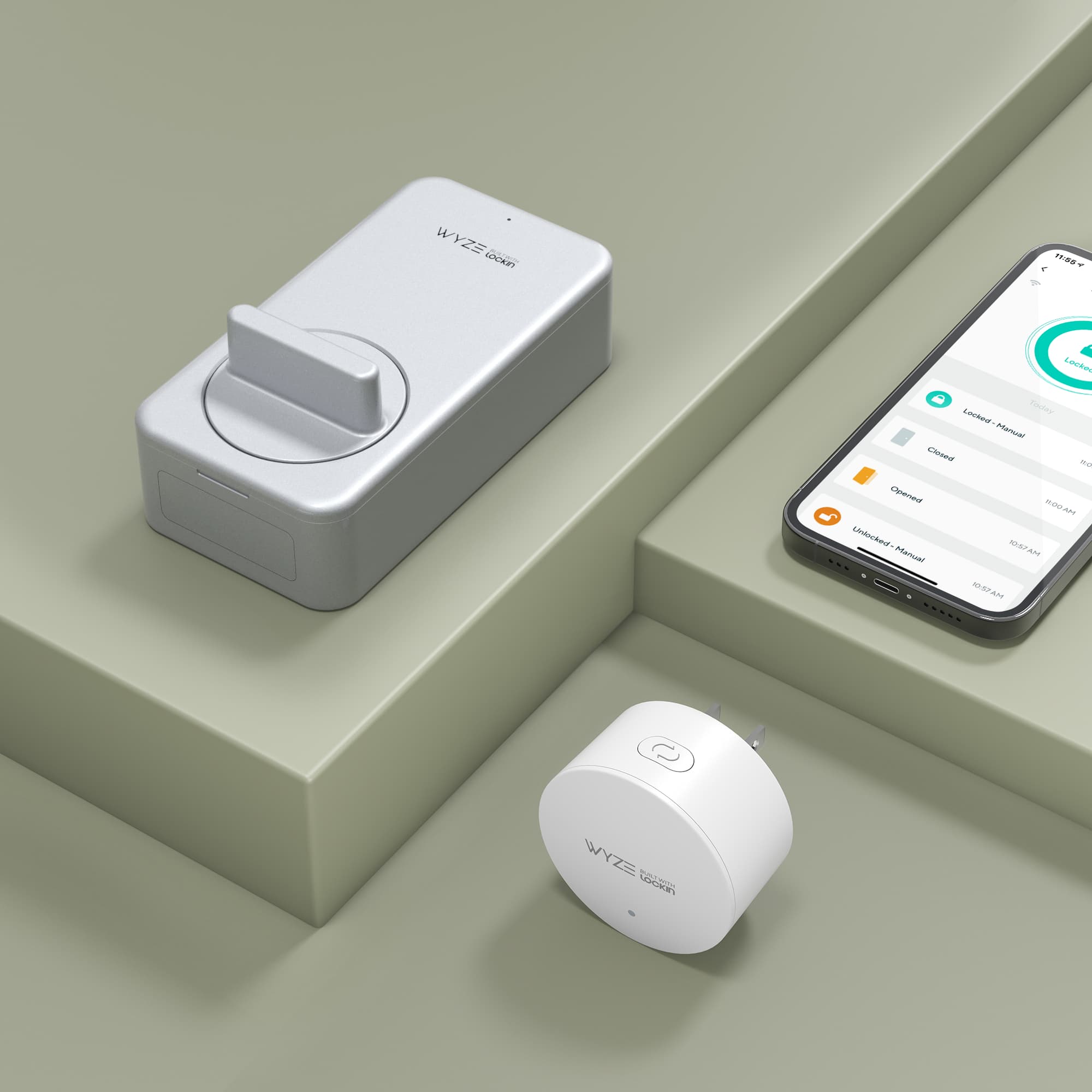
Price: $89 | Renter Score: 9/10
Wyze Lock replaces your existing deadbolt's interior assembly. Requires a screwdriver but no drilling. Works with most standard deadbolts.
Pros:
- Affordable
- Includes door position sensor
- Auto-lock/unlock
- Works with Alexa and Google Home
Cons:
- Requires screwdriver (minor)
- Wyze app can be buggy
2. Video Doorbells (No Wiring)
Ring Battery Doorbell — Best Overall
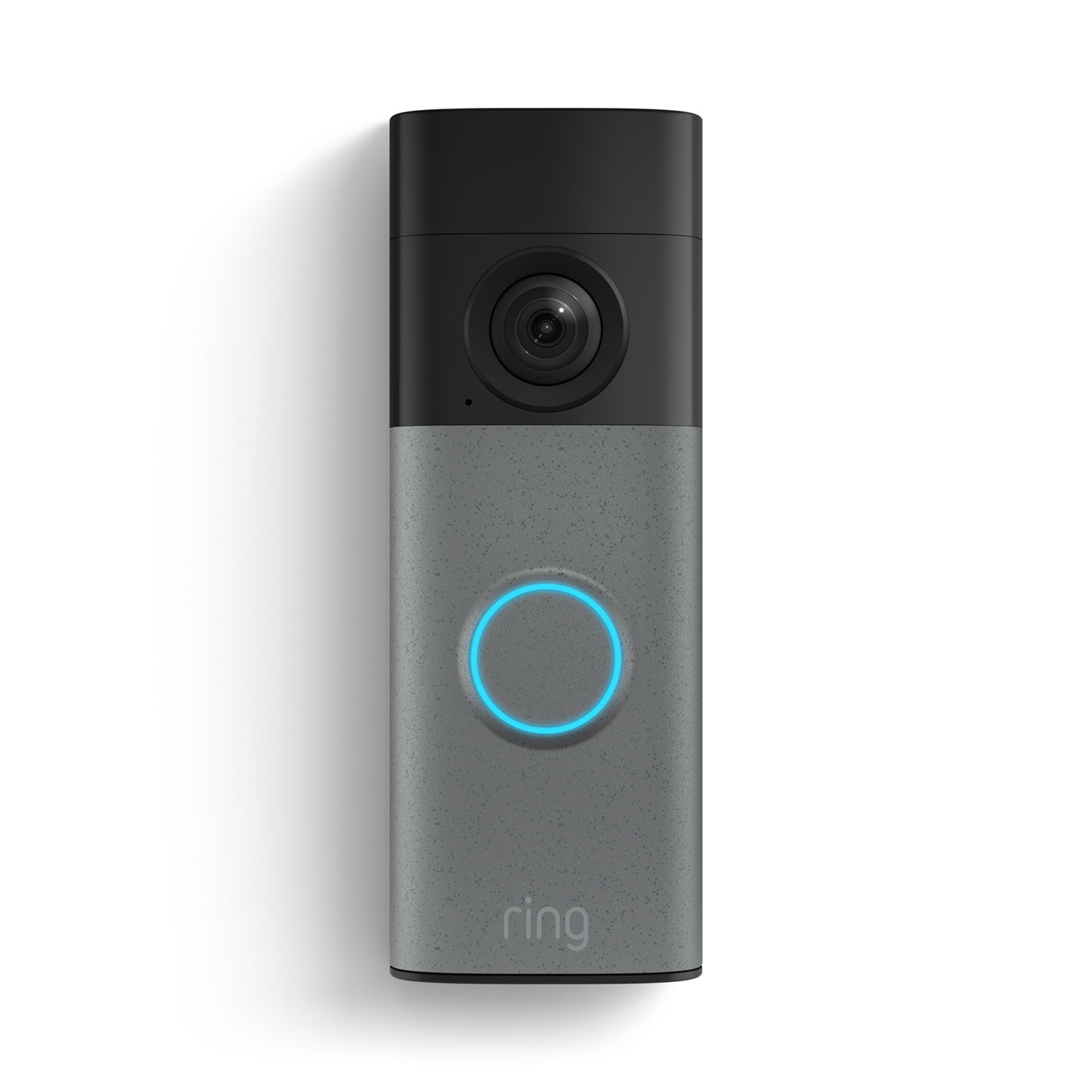
Price: $99 | Renter Score: 9/10
Ring's battery-powered doorbell mounts with adhesive or a no-drill mount. No wiring, no drilling. The battery lasts 6-12 months depending on usage.
Pros:
- Completely wireless
- No-drill mount included
- Works with Alexa
- 1080p HD video with color night vision
- Two-way talk
Cons:
- Subscription required for video history ($4/mo)
- Battery needs recharging
Affiliate: Check price on Amazon
Eufy Video Doorbell (Battery) — Best No-Subscription
Price: $129 | Renter Score: 9/10
Eufy's doorbell stores video locally (no subscription needed). Battery-powered, no drilling.
Pros:
- No subscription required
- Local storage (privacy)
- 2K resolution
- Works with Alexa and Google Home
Cons:
- Base station required for local storage
- Bulkier than Ring
3. Indoor Cameras (Plug-and-Play)
Eufy Indoor Cam C120 — Best Value
Price: $35 | Renter Score: 10/10
Plug into any outlet, connect to Wi-Fi, done. No drilling, no mounting (optional adhesive mount included). 2K resolution, person detection, works with Alexa and Google Home.
Pros:
- $35 price point
- 2K resolution
- No subscription needed
- Person/pet detection
- Two-way audio
Cons:
- Indoor only
- No local storage (cloud only)
TP-Link Tapo C120 — Best Budget
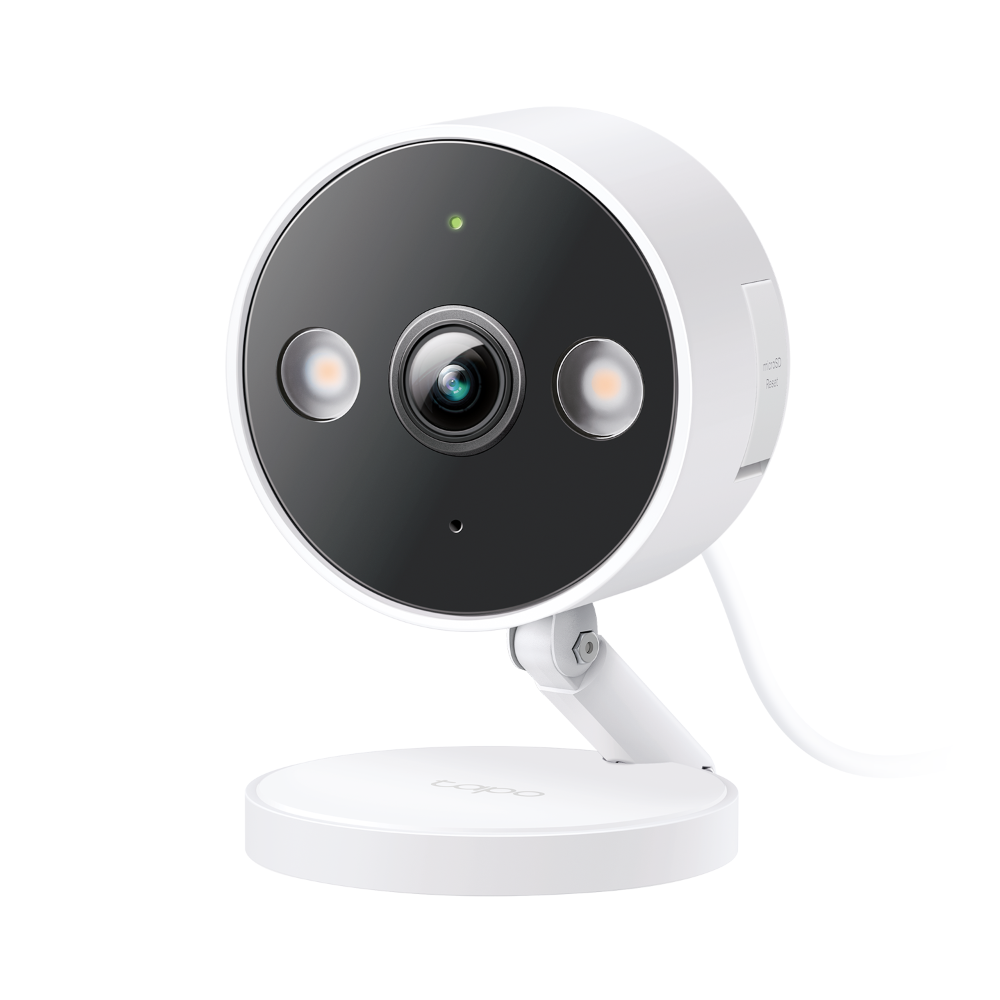
Price: $25 | Renter Score: 10/10
Even cheaper than Eufy. 2K QHD, night vision, motion detection. Plug and play.
4. Smart Lighting (No Wiring)
Philips Hue Starter Kit — Best Overall
Price: $130 (3 bulbs + bridge) | Renter Score: 9/10
Hue bulbs screw into existing fixtures. The bridge connects to your router via Ethernet. No wiring, no drilling. Take them with you when you move.
Pros:
- Works with existing fixtures
- Millions of colors
- Alexa, Google Home, Apple HomeKit compatible
- Expandable (add more bulbs)
- Scenes and automations
Cons:
- Bridge required (included in starter kit)
- Bulbs are expensive individually ($15-50 each)
Philips Hue Dimmer Switch — Best No-Drill Switch
Price: $25 | Renter Score: 10/10
Peel-and-stick wireless switch. Mounts anywhere with adhesive. Controls Hue lights. No wiring, no electrician.
5. Smart Plugs (Plug and Play)
TP-Link Kasa KP125M — Best Value
Price: $15 | Renter Score: 10/10
Plug into any outlet. Energy monitoring included. Works with Alexa, Google Home, and Apple HomeKit (via Matter). $15 for a single plug, $25 for a 2-pack.
Pros:
- $15 price point
- Energy monitoring
- Matter support (future-proof)
- No hub needed
- Compact design (doesn't block adjacent outlet)
Cons:
- 2.4GHz Wi-Fi only
- No USB charging
6. Motorized Blinds (No Drilling)
SwitchBot Curtain 3 — Best Overall
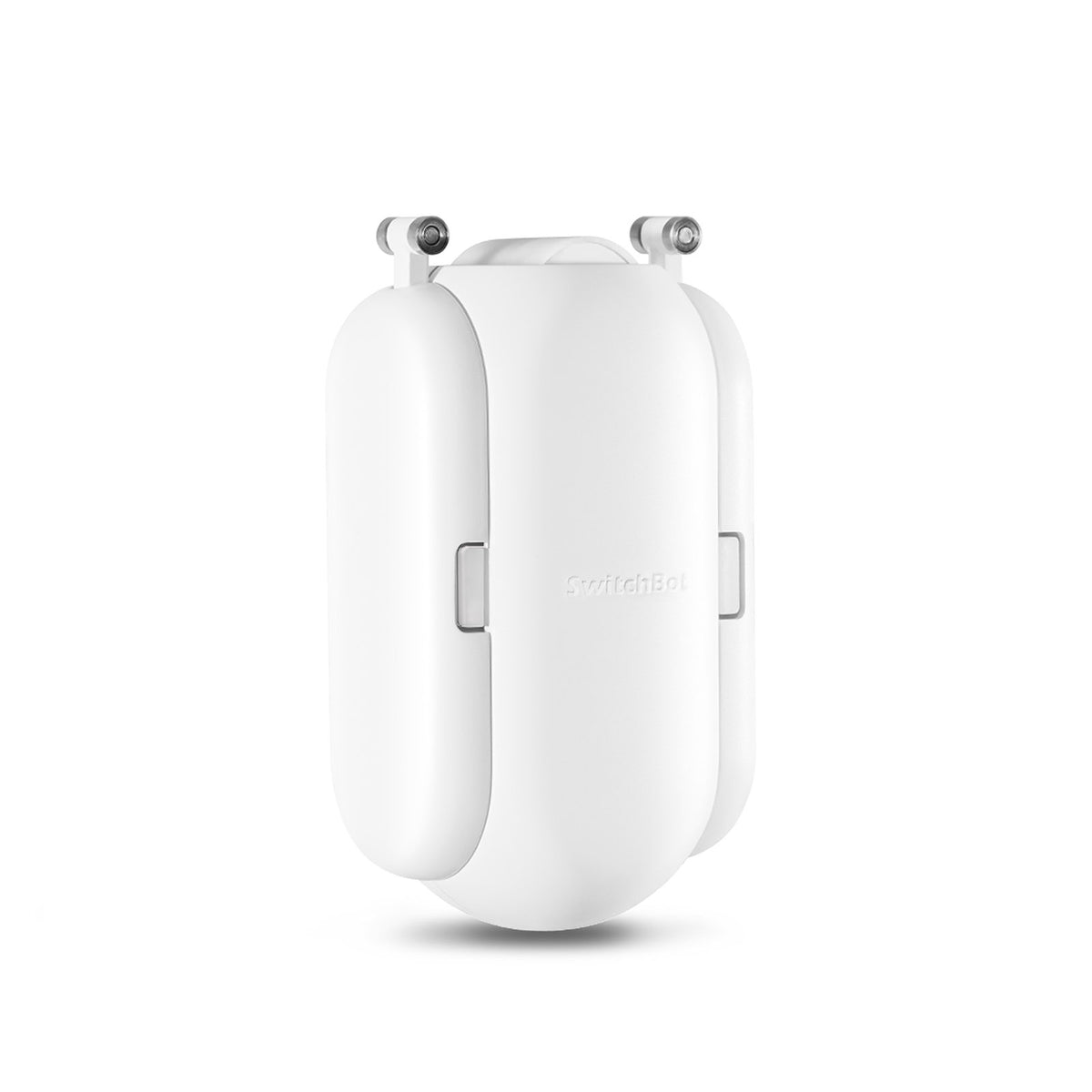
Price: $89 | Renter Score: 9/10
Clips onto your existing curtain rod. No drilling, no tools. Motorized open/close via app or voice. Solar panel option for battery charging.
Pros:
- Clips onto existing rod
- Solar charging option
- Works with Alexa, Google Home, Apple HomeKit
- Quiet motor
- Scheduling and automations
Cons:
- Requires rod diameter 15-40mm
- Battery lasts 8 months (solar extends)
SelectBlinds Motorized — Best for Cellular Shades
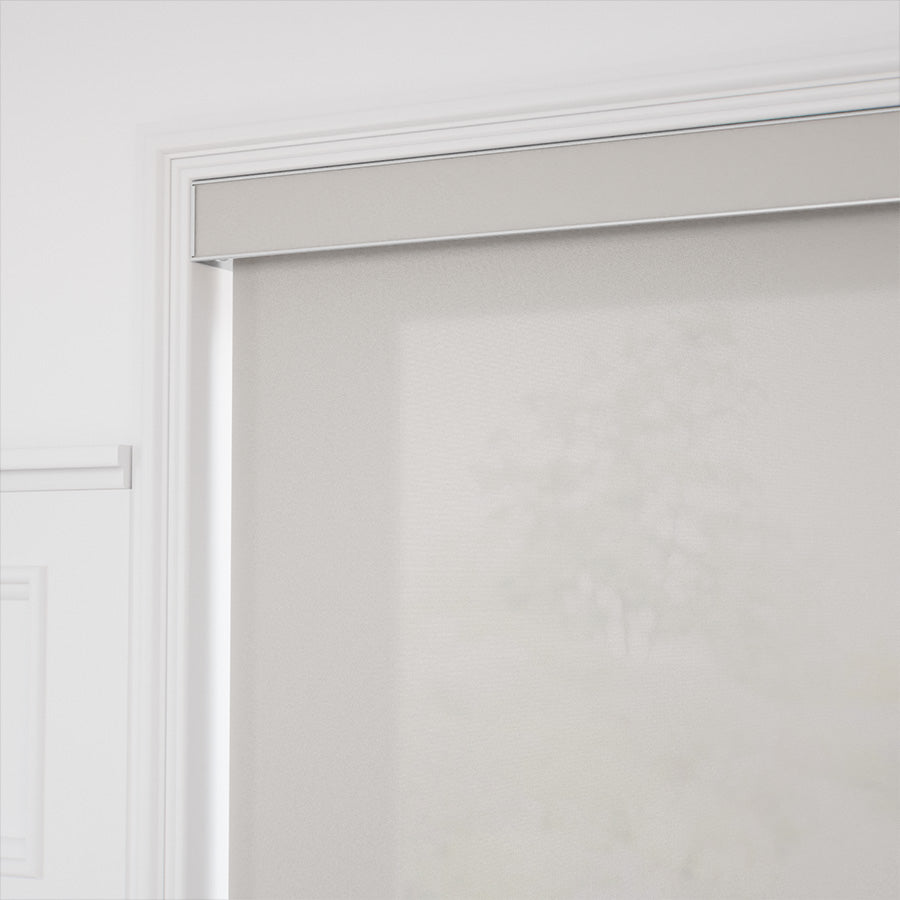
Price: $200-400 | Renter Score: 8/10
Custom-sized motorized shades. Mount with adhesive brackets (no drilling). Higher price but premium quality.
7. Security Systems (No Wiring)
SimpliSafe Essentials — Best Overall
Price: $249 | Renter Score: 8/10
Wireless sensors mount with adhesive. Base station plugs into outlet. No drilling, no wiring. Monitoring optional ($20/mo).
Pros:
- Completely wireless
- No contract
- Adhesive-mounted sensors
- Works with Alexa and Google Home
- Cellular backup
Cons:
- Sensors are adhesive (minor residue on removal)
- Monitoring costs extra
Wyze Home Monitoring — Best Budget

Price: $99 (kit) + $10/mo | Renter Score: 9/10
Budget-friendly security system. Wireless sensors, adhesive mount. Lower monthly cost than SimpliSafe.
8. Smart Thermostats (Check Compatibility First)
Nest Thermostat (2020) — Best if Compatible

Price: $130 | Renter Score: 6/10*
This is the one category where renters face real limitations. Most thermostats require a C-wire. If your apartment has one, installation is easy. If not, you'll need an adapter or a different solution.
Before buying: Check your thermostat wiring. If you see a "C" wire, you're good. If not, consider the ecobee SmartThermostat (includes power extender kit) or skip this category.
Renter Readiness Score Explained
We score every device across 5 dimensions:
| Dimension | Score | What It Measures |
|---|---|---|
| Install Ease | 0-3 | 3 = plug-in only, 0 = drilling/wiring |
| Removability | 0-3 | 3 = zero trace, 0 = permanent |
| No-Drill | 0-2 | 2 = zero holes, 0 = requires holes |
| Portability | 0-1 | 1 = fits in a box, 0 = awkward/heavy |
| Lease Compliance | 0-1 | 1 = no landlord permission needed, 0 = permission required |
Max score: 10/10
How to Build Your Renter Smart Home (Starter Kit)
$100 Starter Kit
- TP-Link Kasa Smart Plug (2-pack) — $25
- Philips Hue White Bulb (2-pack) — $25
- Amazon Echo Dot — $50
- Total: $100
$250 Starter Kit
- Ring Battery Doorbell — $99
- SwitchBot Lock Pro — $129
- TP-Link Kasa Smart Plug (2-pack) — $25
- Total: $253
$500 Starter Kit
- Ring Battery Doorbell — $99
- SwitchBot Lock Pro — $129
- Philips Hue Starter Kit — $130
- SimpliSafe Essentials — $249
- TP-Link Kasa Smart Plug (2-pack) — $25
- Total: $632
Frequently Asked Questions
Can renters install smart home devices without landlord permission? Yes, for most devices. No-drill, battery-powered, and plug-in devices don't require landlord permission. However, always check your lease for specific restrictions.
Do smart home devices work in apartments with poor Wi-Fi? Wi-Fi devices need solid 2.4GHz signal. For thick walls, consider a Wi-Fi extender or Thread-based devices (which use mesh networking).
Can I take smart home devices when I move? Yes — that's the beauty of renter-friendly devices. Everything in this guide is portable. Unplug, pack, and reinstall at your new place.
What's the easiest smart home device to install in a rental? Smart plugs. Plug into any outlet, connect to Wi-Fi, done in under 2 minutes.
Affiliate Disclosure
This article contains affiliate links. We may earn a commission if you purchase through our links, at no extra cost to you. We only recommend products we've tested and believe in.
Last updated: October 2026
Affiliate Disclosure
We earn a commission from Amazon and other retailers when you buy through our links, at no extra cost to you. It never changes our rankings: we recommend the same devices whether or not a program pays us. Read the full policy.